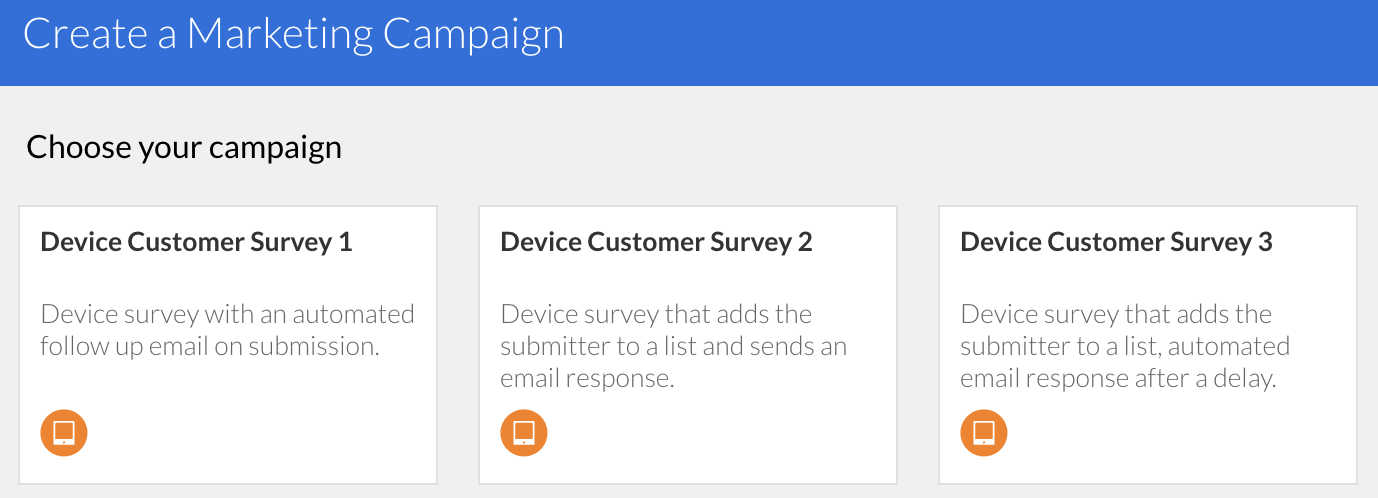
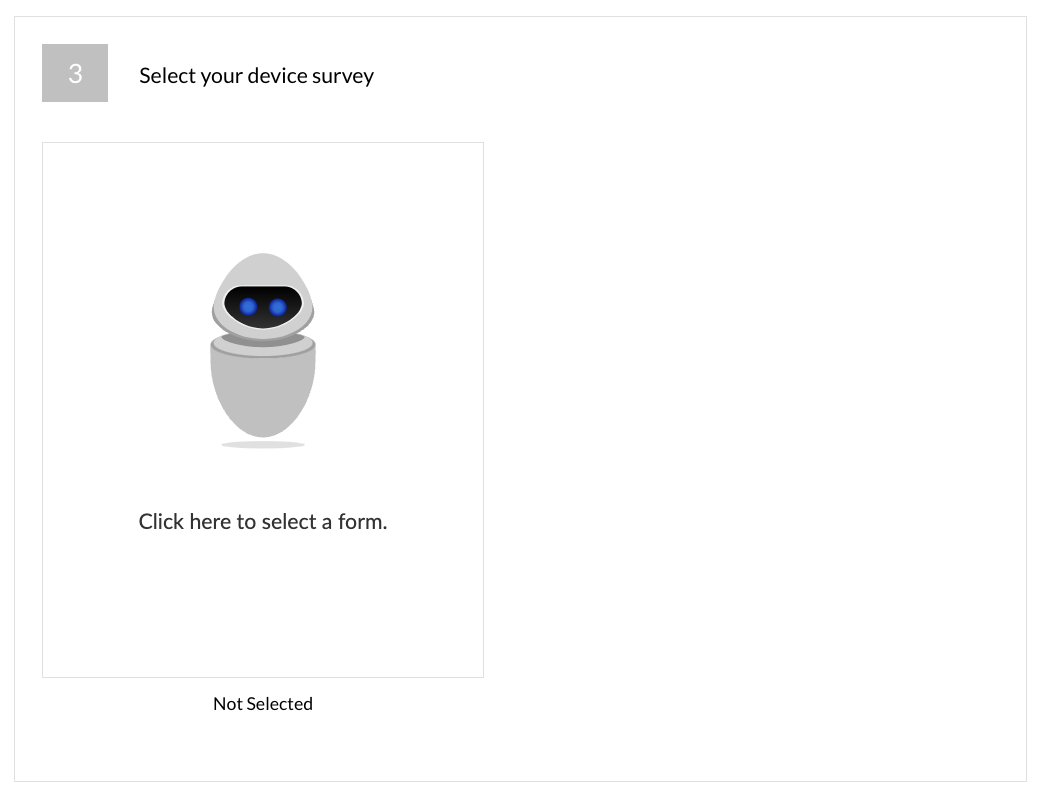
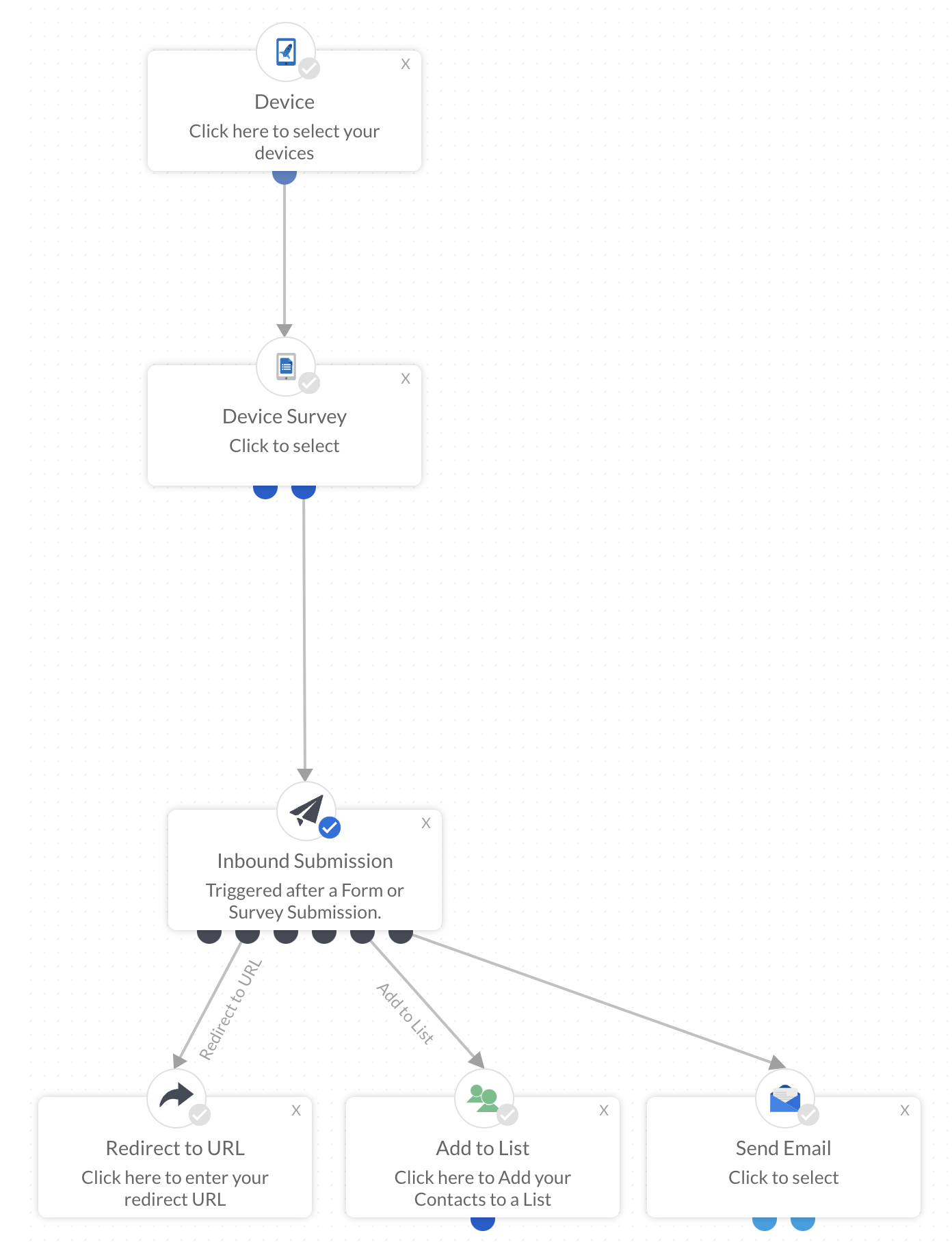
Select the device template that you would like to use by hovering over the image:
Edit > Your Templates > Use this Template
Whenever you select a template within a campaign, this is now a copy of the original under the Template section in the platform. If you need to make an update to the template do one of the following:
- Update the template directly in the campaign
- Update the template under the Template section in the platform and then re select the template in the workflow to reflect the changes